Cross Stitch Pattern Generator
Turn a photo into a cross stitch pattern with a printable symbol chart — every color gets its own symbol so you can count stitches at a glance.
- Symbol grid (cross stitch standard)
- Color legend with stitch counts
- Print-ready
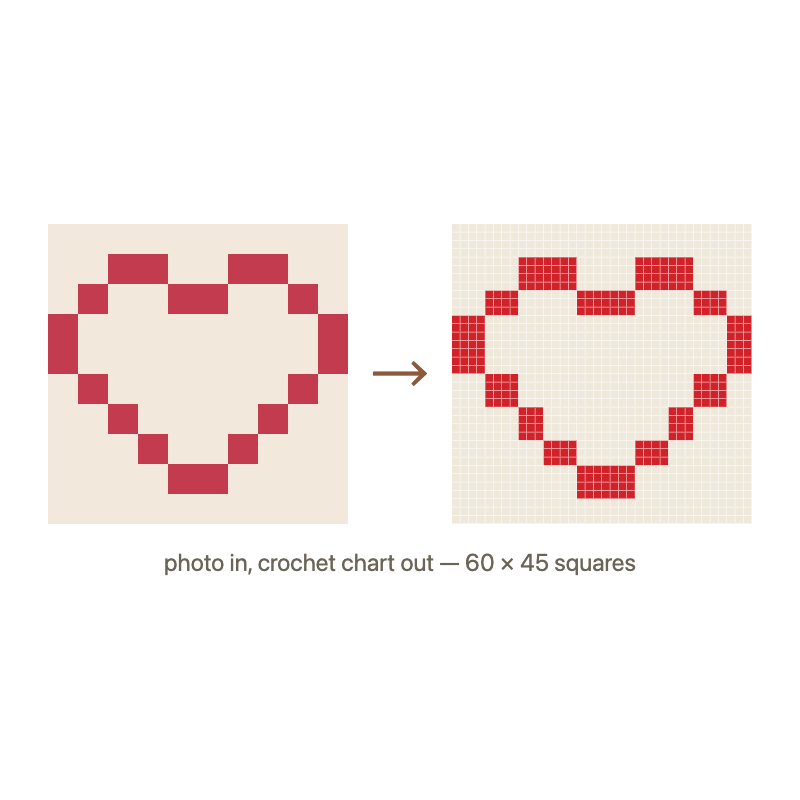
How to make a cross stitch pattern from a photo
- Choose a photo with strong contrast. Portraits on plain backgrounds and bold logos stitch up best.
- Pick your width in stitches. On 14-count aida, 60 stitches wide is about 4.3 in / 11 cm across.
- Work from the symbol chart. Find each symbol in the legend, thread its color, and stitch every square carrying that symbol — one cross per square.
- Print and go. The grid prints with row numbers and the full symbol legend.
Making a corner-to-corner blanket instead? Use the crochet pattern generator — same photo, chart laid out for crochet.
Frequently asked questions
What size will my pattern be on 14-count aida?
Divide the stitch count by your fabric count. 60 stitches on 14-count aida is about 4.3 inches (11 cm) wide.
Why symbols on the chart?
Symbol charts are the cross stitch standard: with 15+ similar colors, symbols let you count and place stitches accurately where similar shades are hard to tell apart.
Does my photo get uploaded anywhere?
No. Everything runs locally in your browser — nothing is sent to any server.
Is this cross stitch pattern generator free?
Yes, completely free with no sign-up. Print as many patterns as you like.