Filet Crochet Pattern Generator
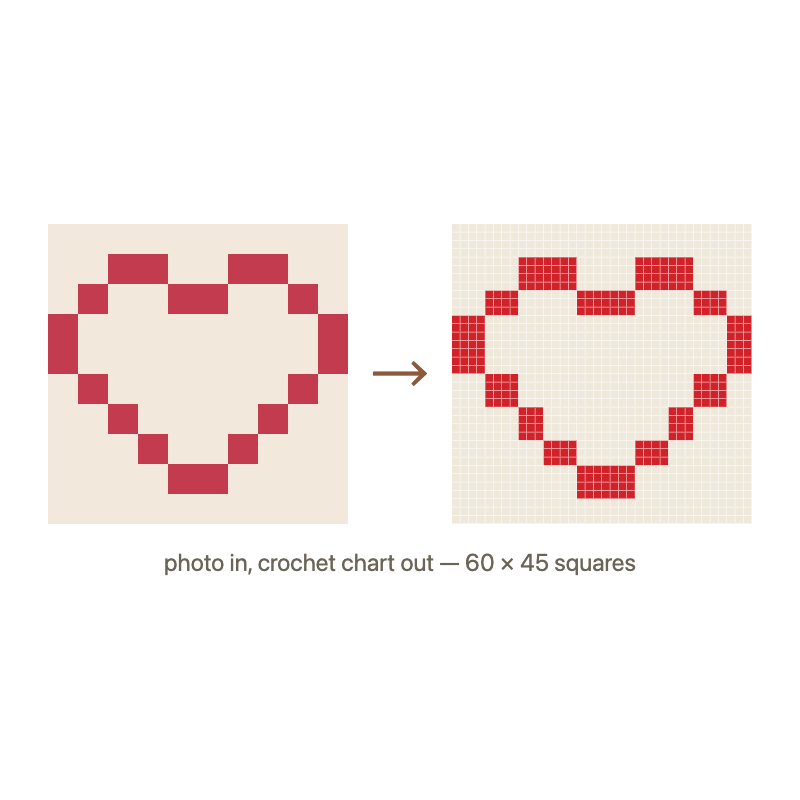
Turn any photo into a filet crochet grid — just two stitches: solid blocks (3 dc) and open spaces (3 ch). The classic technique for letters, borders, and picture afghans.
- Two-color grid: solid + open
- Row numbers included
- Printable, no sign-up
What is filet crochet?
Filet crochet (from the French filet, meaning "net") is a technique that uses only two types of blocks to create pictures and text in fabric:
- Solid block — 3 double crochet stitches (creates a filled square)
- Open block — 2 chains + 1 double crochet (creates a hole or mesh)
By arranging solid and open blocks in a grid, you create images — hearts, initials, flowers, borders, even full landscape scenes. Filet crochet is the simplest form of "pixel art" in yarn.
How to use this filet pattern generator
- Go to the main crochet generator and upload a photo
- Select "Filet (2-color)" as the stitch style — the image will be converted to just black and white blocks
- Choose your grid width — filet works best at 30–60 squares wide for a wall hanging, 60–100 for a detailed afghan
- Print the chart — row numbers and block legend print with the grid
The generator automatically converts your photo to two tones (light/dark), so you can see exactly which blocks will be solid and which will be open. High-contrast photos work best — think silhouettes, logos, and bold designs.
Filet crochet tips for beginners
- Start small — a 20×20 grid (400 blocks) is a perfect first project
- Use cotton thread — size 10 or 20 gives crisp, visible blocks
- Count every row — filet is unforgiving; one miscounted block shifts the entire picture
- Block your finished piece — filet crochet looks dramatically better after blocking (wet, pin to shape, dry flat)
Filet vs tapestry vs C2C — which is right for you?
| Feature | Filet | Tapestry | C2C |
|---|---|---|---|
| Colors | 1 (2 block types) | 2–25+ | 2–25+ |
| Difficulty | Easiest | Medium | Medium |
| Direction | Row by row | Row by row | Diagonal |
| Best for | Letters, borders, silhouettes | Detailed photos | Photo blankets |
| Photo quality needed | High contrast | Any | Any |
Frequently asked questions
What photos work best for filet crochet?
High-contrast images: silhouettes, logos, initials, simple shapes. Photos with subtle gradients or many colors don't translate well to two-tone filet. The generator converts your photo to black and white, so you can preview the result before starting.
How many blocks for a filet crochet project?
Wall hanging: 30–50 squares wide. Cushion cover: 40–60. Baby blanket: 60–80. Full afghan: 80–120. More blocks = more detail but also more time.
Can I make filet crochet from a photo?
Yes — use our generator, select "Filet (2-color)" style, and upload any high-contrast photo. The tool converts it to a grid of solid and open blocks ready to print and crochet.
Is filet crochet the same as C2C?
No — filet works in straight rows with only 2 block types (solid and open). C2C (corner-to-corner) works diagonally with full-color blocks. Filet is simpler; C2C is better for photo-realistic designs.